Prompt library
71 prompts for reels, ready to fill.
Each prompt asks the Easy Reels director for a finished reel like the ones on the home page, and is written for one pipeline of the app: Just a prompt, a drawn look, Motion or an edit of your videos. Pick one, type your own words into the [BLANKS] and paste it in the app.
-
1
Pick a prompt
Each one is written for a pipeline of the app and says what you will get.
-
2
Fill in the blanks
Type your own subject, facts and words. What you write is told exactly as you wrote it.
-
3
Paste it in Easy Reels
Pick the pipeline the prompt names, paste it in the request box and press Generate. The same prompts are under the Prompts button in the app.
By pipeline
The prompts for the pipeline you picked
Just a prompt 13
The director chooses the look, the voice and the cuts. Add your videos, photos or music.
- Trip Recap With a Map
- Ad From Your Product Photos
- Screen Recording to Demo
- Clips Montage to Music
- Photo Slideshow Reel
- Title and Doodles on Footage
- A Reel Like This One
- Your Video as Pixel Art
- Your Clip, Then Explained in 3D
- Your Photos as a Drawn Story
- Just the Idea
- A Video for Your Song
- Narrated, with Your Clips Inside
Any drawn pipeline 13
Pixel art, ASCII, Dots, Low poly and the ten style looks: pick the look, paste the prompt.
- How It Works, Step by Step
- The Fact That Sounds Wrong
- A True Story in Scenes
- Two Things, Side by Side
- Three Curiosities, Three Pictures
- Taken Apart, Piece by Piece
- It Builds Itself
- A Place with a Mood
- ASCII That Draws Itself ASCII
- How It Was Built, as a Blueprint Blueprint
- Black and White Explainer Dots
- Ink Painting That Moves Ink silhouette
- Records Through Time, in Cubes Voxel
Motion 40
A narrated reel with animated scenes, captions, music and effects, in your Brand Kit.
- 3D Curiosity Reel
- Dots That Form Pictures
- Myth vs Fact Reel
- One Surprising Fact Card
- Three Things You Did Not Know
- Body Fact With a Counting Ring
- Nature Fact in Riso Print
- Why Question Explainer
- Country on a Map
- Zoom Into a City
- From A to B on a Map
- Two Places Compared
- History Scrapbook Reel
- Archive Documentary Reel
- Museum Piece Reel
- Story of an Invention
- A Life in Three Dates
- Then and Now Reel
- Exploded View of an Object
- How a Signal Travels
- A Process Shown as an App
- A Cycle on a Chalkboard
- One 3D Object per Idea
- An Idea Acted by Figures
- One in Ten, Counted
- A Percentage on a Cube Grid
- One Huge Number
- Two Numbers Compared
- Money Math Reel
- Product Ad: Three Reasons
- Sale Announcement
- Problem to Solution Ad
- Customer Review Ad
- Launch Teaser
- Ebook or Course Promo
- Event Invitation Reel
- App Promo in Three Clicks
- New Feature Announcement
- Old Way vs New Way
- Your App in Three Numbers
Edit my video 3
Your own videos, photos and music, cut and captioned.
Curiosities and facts
A fact you know, told with one picture for every phrase. You give the facts, the director gives them a voice, a look and a rhythm.
-
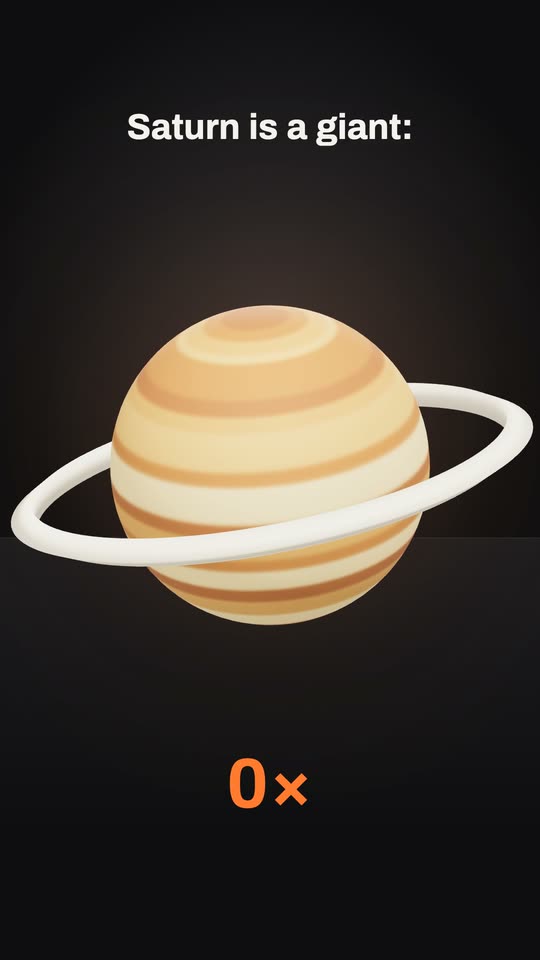 Clay objects style
3D Curiosity Reel
A narrated curiosity where every phrase gets one 3D object on a dark stage. 7 blanks to fill -
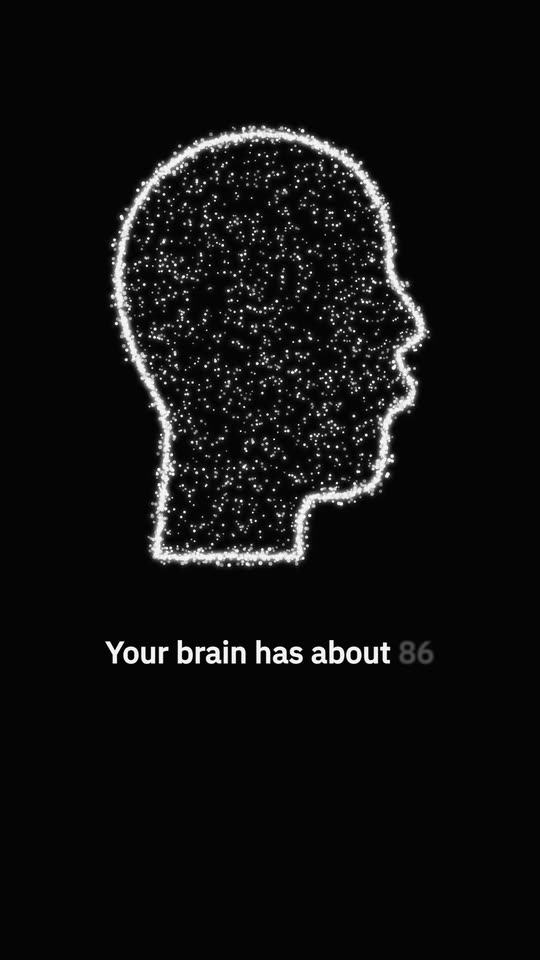 Stipple style
Dots That Form Pictures
Thousands of white dots on black that gather into one picture per phrase. 7 blanks to fill -
Tube style
Myth vs Fact Reel
One myth and the fact that breaks it, on an old TV screen in huge type. 5 blanks to fill -
Cards style
One Surprising Fact Card
One fact on a white card in soft light, with a drawing and a number that counts. 5 blanks to fill -
Chalk style
Three Things You Did Not Know
Three facts as three glowing chalk drawings on a dark board, numbered. 6 blanks to fill -
Glass style
Body Fact With a Counting Ring
A calm, light reel: a frosted pane, a ring that fills and a number for each fact. 6 blanks to fill -
Riso print style
Nature Fact in Riso Print
A real photo printed in blue dots beside one heavy red number, on off-white paper. 5 blanks to fill -
Director picks the style
Why Question Explainer
One question answered in three phrases, one picture each, in the style that fits. 6 blanks to fill -
Drawn looks
Three Curiosities, Three Pictures
Three facts about one subject, each with a new picture and its number on screen. 6 blanks to fill -
Dots
Black and White Explainer
A question answered in two colours only, every tone a pattern of pixels. 6 blanks to fill
Maps and places
Real maps that travel from the wide view to the place and light it up, with its name and its numbers.
-
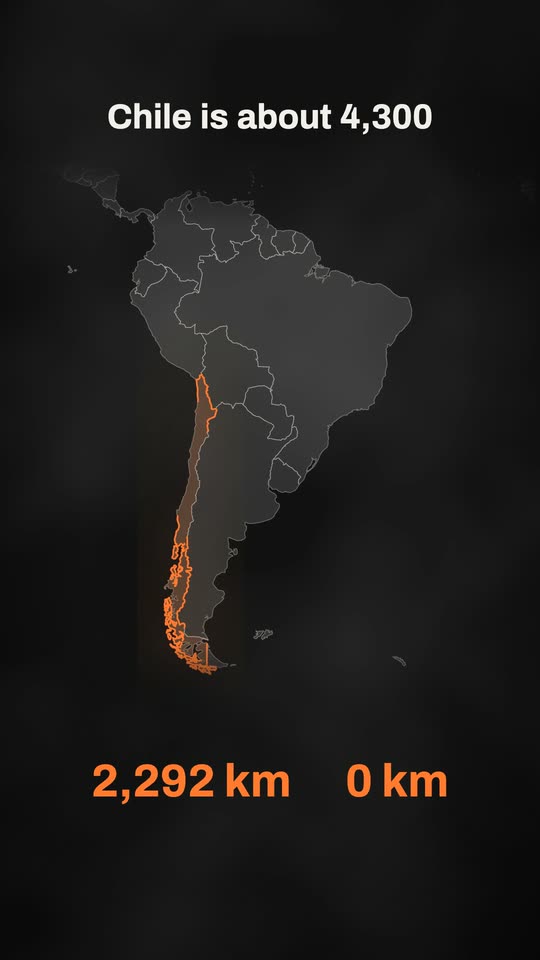 Atlas style
Country on a Map
A real map travels to one country, lights it up and counts its numbers. 7 blanks to fill -
Atlas style
Zoom Into a City
A real map travels from the whole world down to one city, then tells three facts. 6 blanks to fill -
Atlas style
From A to B on a Map
Two pins on a real map, a route that travels between them and the distance counting. 6 blanks to fill -
Atlas style
Two Places Compared
Two places lit one after the other on a real map, each with its number. 6 blanks to fill -
Just a prompt
Trip Recap With a Map
A map that flies from home to the destination, then your best clips cut to music. 7 blanks to fill
History with real pictures
Real photographs and artworks from the public archives, shown as prints, documents or museum pieces, with their credits.
-
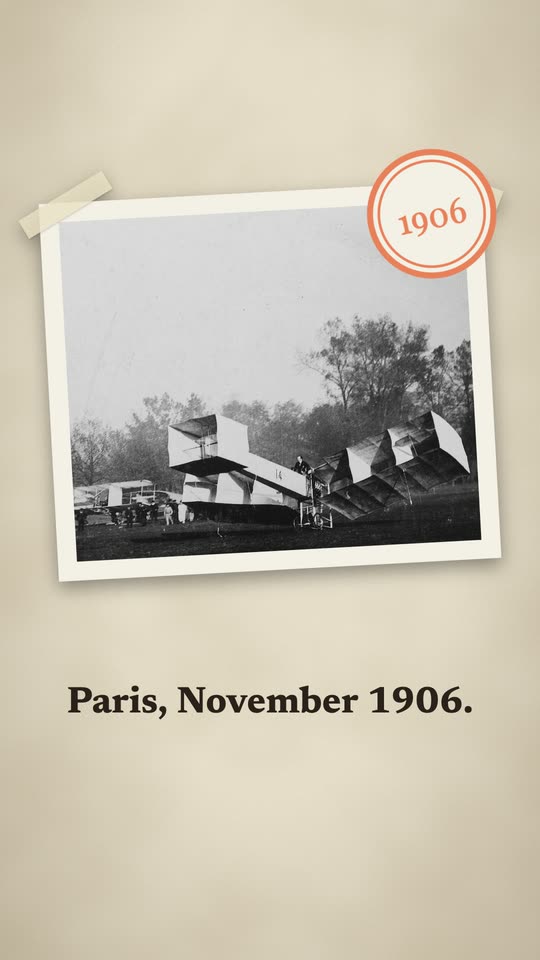 Scrapbook style
History Scrapbook Reel
A real photograph taped to warm paper, stamped with its year, then the numbers. 7 blanks to fill -
Archive style
Archive Documentary Reel
A real photograph in black and white, framed like a document, with one number in colour. 6 blanks to fill -
Museum style
Museum Piece Reel
A sculpture or artwork emerging from a dark room, its name in carved capitals. 6 blanks to fill -
Riso print style
Story of an Invention
The year as one heavy number beside a real photo printed in dots, on paper. 6 blanks to fill -
Archive style
A Life in Three Dates
A portrait of one person in three dates, on real photographs from the archives. 6 blanks to fill -
Scrapbook style
Then and Now Reel
An old photograph and one from today, taped side by side and stamped with their years. 7 blanks to fill
How things work
Objects that come apart, signals that travel, processes that tick themselves: an explanation people can watch.
-
 Exploded view style
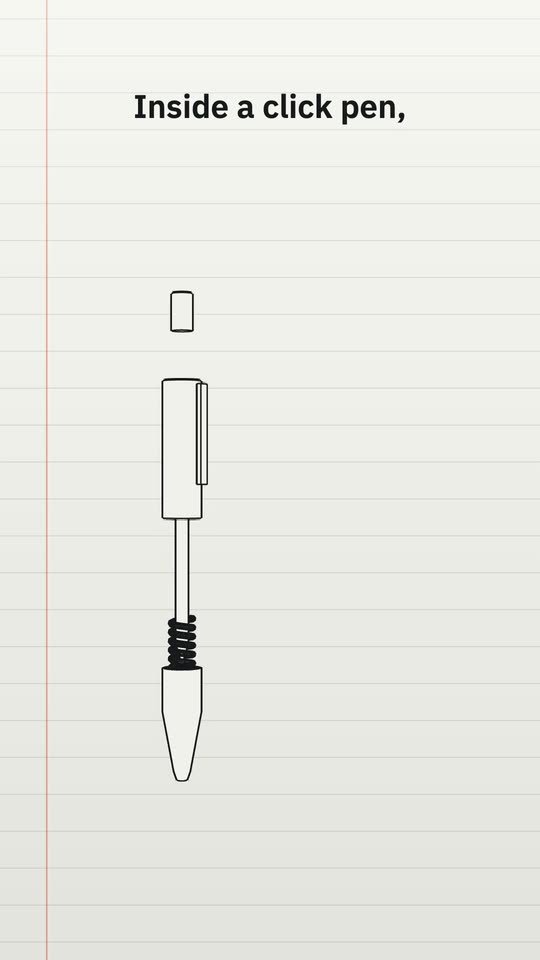
Exploded View of an Object
An everyday object drawn like a manual, its parts pulled apart and numbered. 7 blanks to fill -
Thread style
How a Signal Travels
Fine white lines that draw themselves and a point of light that travels them, stop by stop. 8 blanks to fill -
Screen style
A Process Shown as an App
A process explained as an invented app: a checklist that ticks itself and a cursor that clicks. 6 blanks to fill -
Chalk style
A Cycle on a Chalkboard
One diagram on a dark board: a circle of stages that light up as they are named. 7 blanks to fill -
Clay objects style
One 3D Object per Idea
An explanation where each phrase is one simple 3D object turning in soft light. 8 blanks to fill -
Figures style
An Idea Acted by Figures
Plain 3D mannequins act the idea out, the one that matters in the accent colour. 6 blanks to fill -
Drawn looks
How It Works, Step by Step
A machine or a process shown working, one place per step, in the look you pick. 7 blanks to fill -
Blueprint
How It Was Built, as a Blueprint
A structure going up stage by stage as a technical drawing with real dimensions. 9 blanks to fill
Numbers and comparisons
A share, a percentage or one huge number, made countable on screen.
-
 Cube grid style
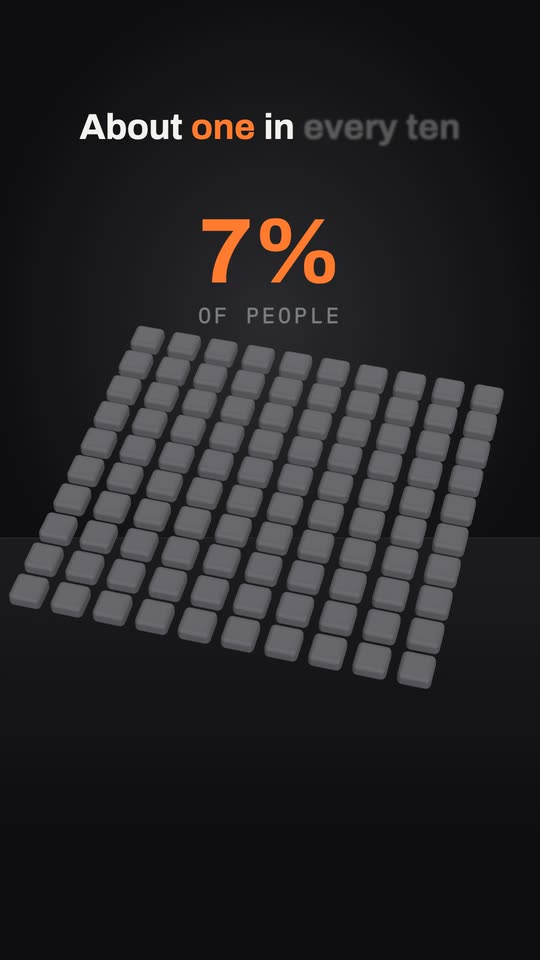
One in Ten, Counted
A share shown twice: cubes that light up out of a hundred, then people out of ten. 6 blanks to fill -
Cube grid style
A Percentage on a Cube Grid
A board of 100 cubes where your percentage lights up one cube at a time. 5 blanks to fill -
Bold type
One Huge Number
Bold kinetic type built around one number that fills the screen and counts up. 5 blanks to fill -
Chalk style
Two Numbers Compared
Two chalk bars that grow side by side, with a twist when the second passes the first. 7 blanks to fill -
Glass style
Money Math Reel
One sum done on screen, step by step, on a calm glass pane with a ring that fills. 6 blanks to fill -
Drawn looks
Two Things, Side by Side
Two things at the same scale, compared measure by measure, with a verdict. 7 blanks to fill -
Voxel
Records Through Time, in Cubes
A record growing step by step, each holder built from cubes beside the last. 7 blanks to fill
Ads for what you sell
The hook, the reasons, the offer and an end card, in your brand kit. From nothing or from your product photos.
-
 Director picks the style
Product Ad: Three Reasons
A short ad: the hook, three reasons with one picture each, the offer and an end card. 8 blanks to fill -
Just a prompt
Ad From Your Product Photos
Your own product photos with slow moves, bold lines, the price and music. 9 blanks to fill -
Bold type
Sale Announcement
A fast reel in bold type: the hook, the offer counting up, what is included, the deadline. 7 blanks to fill -
Director picks the style
Problem to Solution Ad
Four scenes: the problem, why the usual fix fails, your product and the proof. 7 blanks to fill -
Cards style
Customer Review Ad
One real review, word for word, writing itself on a card, then your product and the offer. 6 blanks to fill -
Bold type
Launch Teaser
Three lines that build curiosity in slow, large type, then the date. 7 blanks to fill -
Screen style
Ebook or Course Promo
Who it is for, what is inside as a checklist that ticks itself, the price and the link. 9 blanks to fill -
Director picks the style
Event Invitation Reel
The hook, the date on a calendar page, the city on a real map and how to sign up. 7 blanks to fill
Apps and software
A promo, a feature announcement or a demo for your app, drawn as a clean screen or cut from your recording.
-
 Screen style
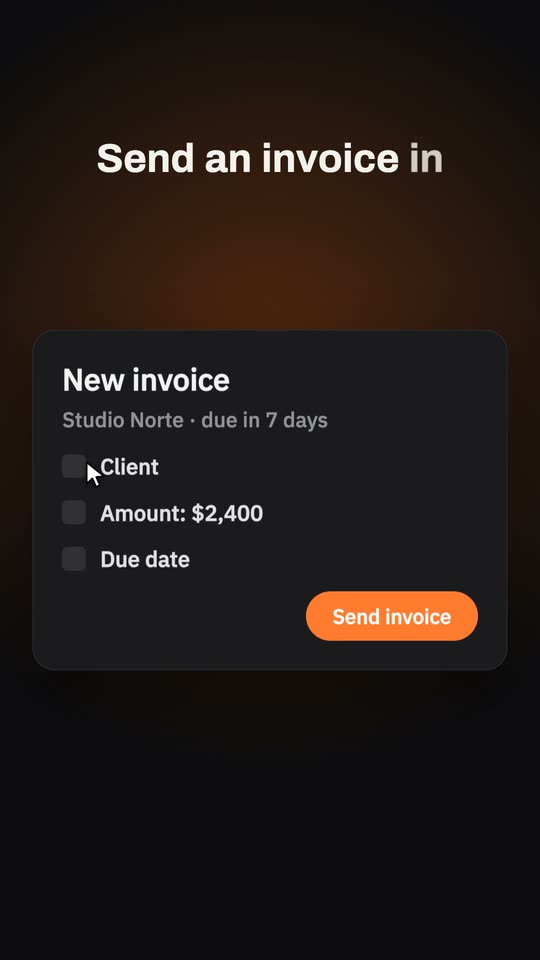
App Promo in Three Clicks
Your app as a clean window where a cursor does the job in three clicks, then the result. 8 blanks to fill -
Screen style
New Feature Announcement
The word New, the feature's name, the feature working in two steps and who it helps. 7 blanks to fill -
Screen style
Old Way vs New Way
A long checklist that keeps growing against one button, with the time counted for each. 10 blanks to fill -
Glass style
Your App in Three Numbers
Three real numbers of your product, each on a glass pane with a ring that fills. 7 blanks to fill -
Just a prompt
Screen Recording to Demo
Your screen recording cut to its best part, with a title, a voice-over, captions and music. 6 blanks to fill
Your own footage
Your clips and photos, edited: pauses out, vertical, captions, titles, music, or a new reel on the recipe of one you like.
-
Your videos
Talking Head Cleanup
Your talk without pauses or filler words, vertical, with captions, a title and quiet music. 5 blanks to fill -
Your files
Long Video Into Reels
Several reels from one long video, each starting on a hook, with captions and a title. 4 blanks to fill -
Just a prompt
Clips Montage to Music
Your strongest shots cut to a track composed for them, with a title and a grade. 7 blanks to fill -
Just a prompt
Photo Slideshow Reel
Your photos with slow moves, one line of story each, soft cuts and music. 9 blanks to fill -
Just a prompt
Title and Doodles on Footage
Your video with an animated title, hand-drawn doodles on the right moments and a counter. 5 blanks to fill -
Your files
Words Behind You
Large words placed behind you for the opening seconds, so you stand in front of them. 3 blanks to fill -
Just a prompt
A Reel Like This One
A new reel built on the recipe of one you like: its pace, cuts and text style, your subject. 5 blanks to fill -
Your videos
The Best Part of a Long Take
Your long recording cut down to its strongest part on one topic, pauses out. 2 blanks to fill -
Your videos
Clips and Photos to Your Song
Your clips and photos joined in your order, with your own music under them. 3 blanks to fill
Stories and tales
Something that happened, or a fact that sounds wrong until it is explained, told in scenes that are drawn for it.
Taken apart and put together
An object that opens piece by piece, or builds itself from nothing, each part with its name.
-
Drawn looks
Taken Apart, Piece by Piece
An object that opens into an exploded view, each part named, then closes and runs. 6 blanks to fill -
Drawn looks
It Builds Itself
One subject that draws itself from nothing on a dark stage, then comes alive. 9 blanks to fill -
ASCII
ASCII That Draws Itself
A subject drawn in text characters from the bottom up, with its code typed below. 4 blanks to fill
Places with a mood
One calm take of a place at an hour: lights, weather, one thing that moves. For a loop or a quiet post.
Just a prompt, and your files
One prompt and, if you want, your videos, photos and music. The director picks the style, the voice and the cuts, and can redraw your clip as pixel art.
-
Just a prompt
Your Video as Pixel Art
Your own clip redrawn frame by frame in a style, with captions on its moments. 5 blanks to fill -
Just a prompt
Your Clip, Then Explained in 3D
Your clip opens the video redrawn in a style, then a 3D scene explains it. 8 blanks to fill -
Just a prompt
Your Photos as a Drawn Story
Your photos redrawn in one style, each with a line, cut together as a story. 7 blanks to fill -
Just a prompt
Just the Idea
One sentence and what matters to you. The director decides everything else. 2 blanks to fill -
Just a prompt
A Video for Your Song
Your music file with a drawn video made for it, changing picture on the beat. 7 blanks to fill -
Just a prompt
Narrated, with Your Clips Inside
A narrated motion video with your own clips shown as they are, where they fit. 7 blanks to fill
Write your own
What every good request has
- The length. A number of seconds. 15 to 45 holds best; without one the director picks.
- Your facts. Every number, date and name you want told, checked. What you write is shown exactly as you wrote it.
- The look. A style by name, or a few words on the ground, the type and the one accent colour.
- The order. What comes first, what comes next and how it ends. One idea per phrase.
- Your files. In Just a prompt, say what each video, photo or song you added is for: shown as it is, redrawn in the look, or the soundtrack.
- The cuts. Say how it moves from one place to the next if you care: a straight cut, a slide, a dissolve with no black screen.
- The sound. The voice in two or three words, the mood of the music, where an effect should land.
- The last line. What the viewer should do or remember, in the words to show.
Fill one in. Get the reel.
Paste a prompt in Easy Reels and the director writes the script, animates the scenes or edits your footage, adds the voice, music and sound effects, and hands you the finished video.
See the desktop appA reel studio for Mac and Windows. $39 once, with a 7-day refund.