Why Question Explainer prompt
One question answered in three phrases, one picture each, in the style that fits.
- Pipeline
- Motion
- Style
- The director's choice
- Add first
- Nothing. It is made from the request.
- You get
- A finished MP4 in 9:16, or in 1:1, 4:5 or 16:9 if you pick it.
Your prompt
A [LENGTH IN SECONDS] second explained reel that answers one question: [QUESTION]. Open with the question on screen. Then the answer in three phrases, one picture for each, in the style you think fits the subject best: [ANSWER 1]. [ANSWER 2]. [ANSWER 3]. Clear voice, like a good teacher, word-by-word captions, music and sound effects. End by asking the viewer: [QUESTION FOR THE VIEWER].
Copy it, pick Motion on the New reel screen and paste it in the request box of the Easy Reels app.
Example
The prompt, filled in
A 20 second explained reel that answers one question: Why is the sky blue?. Open with the question on screen. Then the answer in three phrases, one picture for each, in the style you think fits the subject best: Sunlight looks white but it is every colour mixed. The air scatters blue light much more than red. At sunset the light crosses more air, the blue is scattered away and the red is what reaches you. Clear voice, like a good teacher, word-by-word captions, music and sound effects. End by asking the viewer: What should I explain next?.
The facts in this example were checked when it was written. Check your own before you post: the director tells what you give it.
Tips
To get a better reel
- This one leaves the style to the director. To choose it yourself, pick one in the Style gallery before sending.
- Write the answer as you would say it to a ten year old. Short phrases make better pictures.
- Not what you wanted? Press Recreate on the reel: the request opens filled in, you change it and generate again.
More prompts
Try one of these next
-
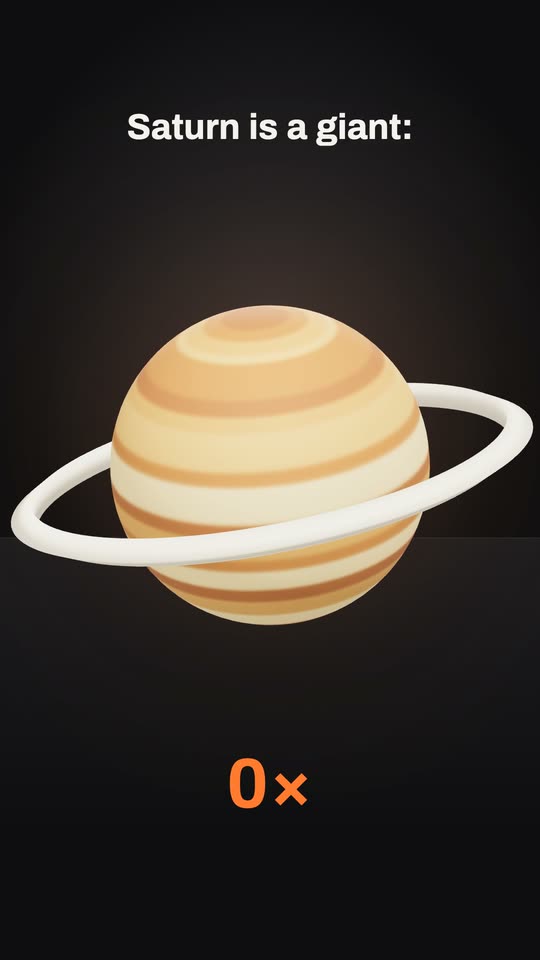 Clay objects style
3D Curiosity Reel
A narrated curiosity where every phrase gets one 3D object on a dark stage. 7 blanks to fill -
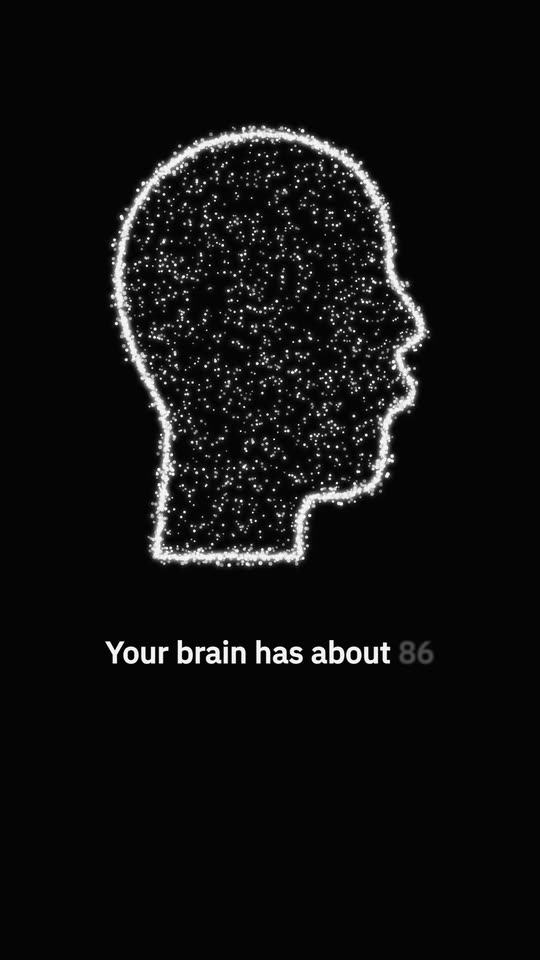 Stipple style
Dots That Form Pictures
Thousands of white dots on black that gather into one picture per phrase. 7 blanks to fill -
Tube style
Myth vs Fact Reel
One myth and the fact that breaks it, on an old TV screen in huge type. 5 blanks to fill
One message. The whole reel.
Paste a prompt in Easy Reels and the director writes the script, animates the scenes or edits your footage, adds the voice, music and sound effects, and hands you the finished video.
See the desktop appA reel studio for Mac and Windows. $39 once, with a 7-day refund.