A Cycle on a Chalkboard prompt
One diagram on a dark board: a circle of stages that light up as they are named.
- Pipeline
- Motion
- Style
- Chalk
- Add first
- Nothing. It is made from the request.
- You get
- A finished MP4 in 9:16, or in 1:1, 4:5 or 16:9 if you pick it.
Your prompt
A [LENGTH IN SECONDS] second reel that explains [CYCLE] as one diagram, in the Chalk style: glowing lines on a dark board. Draw the cycle as a circle of [NUMBER OF STAGES] stages joined by arrows, and light each stage as the voice names it: [STAGE 1]. [STAGE 2]. [STAGE 3]. Then show the whole circle turning once and say: [LAST LINE]. A teacher's voice, word-by-word captions and a chalk sound on each stage.
Copy it, pick Motion on the New reel screen and paste it in the request box of the Easy Reels app.
Example
The prompt, filled in
A 18 second reel that explains the water cycle as one diagram, in the Chalk style: glowing lines on a dark board. Draw the cycle as a circle of 3 stages joined by arrows, and light each stage as the voice names it: The Sun heats the sea and water rises as vapour. High up it cools and gathers into clouds. It falls as rain and runs back to the sea. Then show the whole circle turning once and say: The same water, again and again. A teacher's voice, word-by-word captions and a chalk sound on each stage.
The facts in this example were checked when it was written. Check your own before you post: the director tells what you give it.
Tips
To get a better reel
- With four stages, add a [STAGE 4] line yourself and ask for 22 seconds.
- Teachers: one cycle per reel makes a series a class can follow.
- Not what you wanted? Press Recreate on the reel: the request opens filled in, you change it and generate again.
More prompts
Try one of these next
-
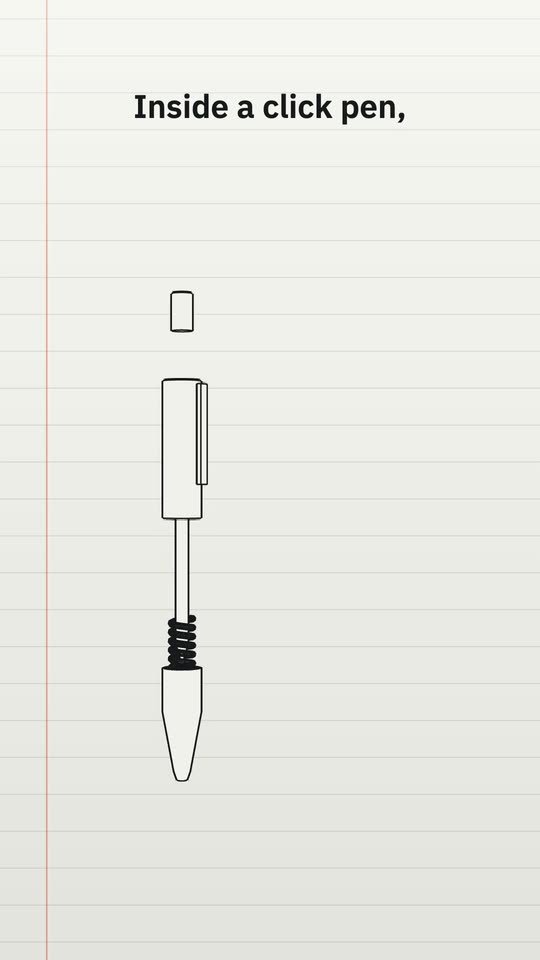 Exploded view style
Exploded View of an Object
An everyday object drawn like a manual, its parts pulled apart and numbered. 7 blanks to fill -
Thread style
How a Signal Travels
Fine white lines that draw themselves and a point of light that travels them, stop by stop. 8 blanks to fill -
Screen style
A Process Shown as an App
A process explained as an invented app: a checklist that ticks itself and a cursor that clicks. 6 blanks to fill
One message. The whole reel.
Paste a prompt in Easy Reels and the director writes the script, animates the scenes or edits your footage, adds the voice, music and sound effects, and hands you the finished video.
See the desktop appA reel studio for Mac and Windows. $39 once, with a 7-day refund.